Connection quality, not guesswork
Find out what is actually wrong with your game connection
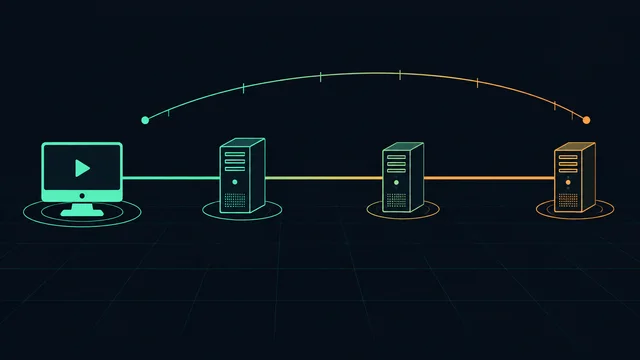
A free browser test measures latency, jitter, timeout samples and loaded latency between you and our edge — then tells you what to fix first. We also tell you when the problem is not yours to fix, and when buying a latency tool would not help.

What the test measures
Four numbers that describe how your connection behaves under real conditions.
- Typical latency
- How long a round trip takes most of the time.
- Jitter (95th percentile)
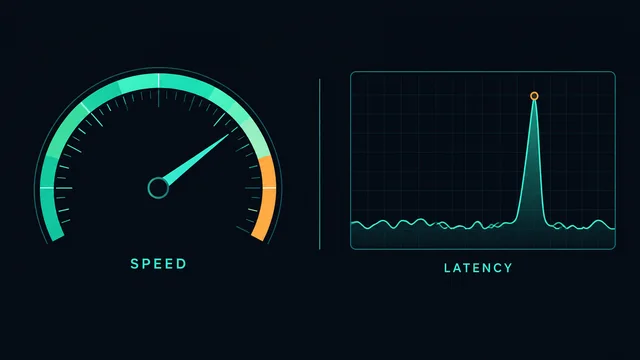
- How much that number jumps. This is what makes a game feel bad.
- Timeout samples
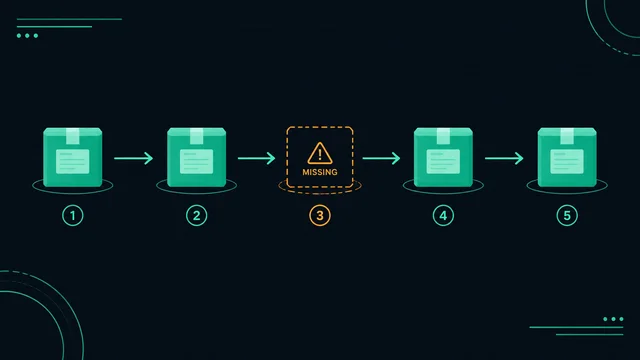
- Frames that never came back during a 20 Hz tick-loop test.
- Increase under load
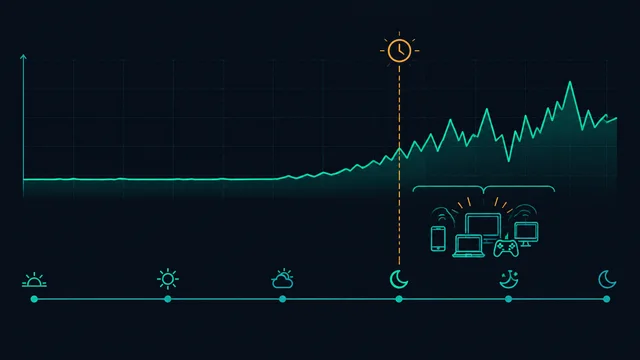
- How much latency rises while the connection is busy — the it-only-lags-at-night case.
Measure, diagnose, then fix
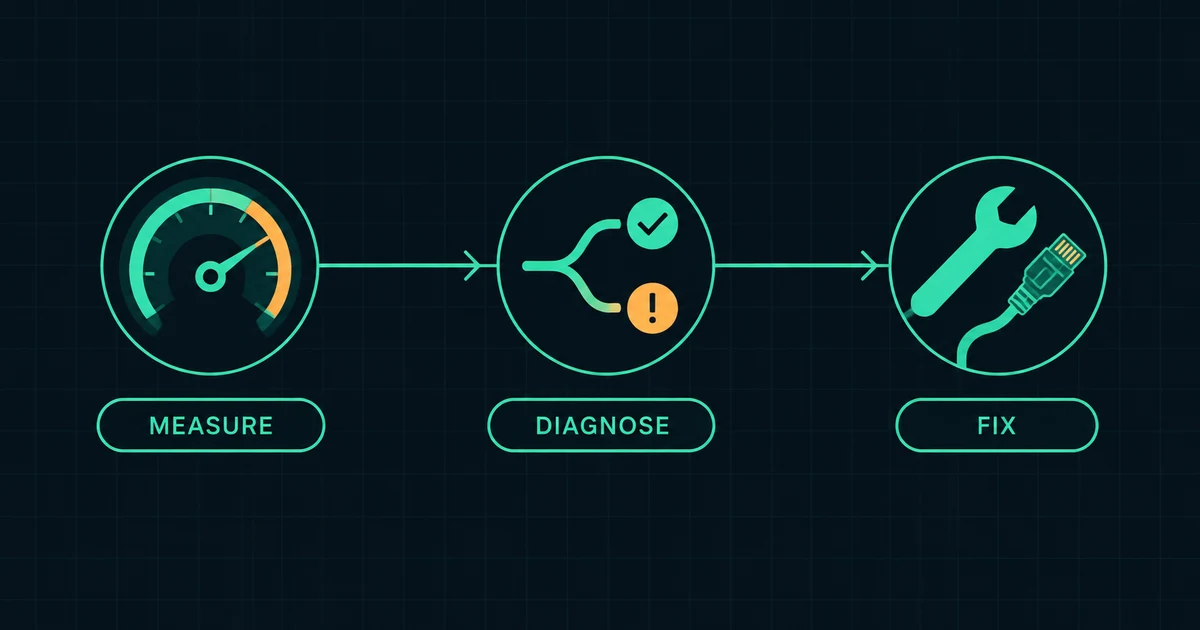
Three steps, in this order. Most people start at step three and pay for something they did not need.
-
Run the free test
-
Read the verdict
-
Pay only if the evidence says so
What it does not measure
It does not measure your in-game ping, your FPS, or the route to a specific game server. Those depend on the game's servers and network path, which a browser cannot reach. Every conclusion on this site is written to stay inside that boundary.
The questions players actually ask
Collected from the forums where these things get discussed, answered with measurements instead of marketing.
-
High ping in games but a fast speed test: why the two numbers disagree
-
Ping spikes only in the evening: what is actually happening on your line
-
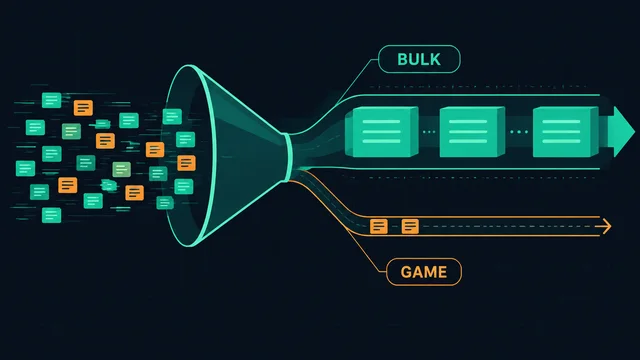
Does QoS actually reduce ping? What it fixes and what it cannot
-
Are game boosters safe? Bans, overlays and what they actually touch
-
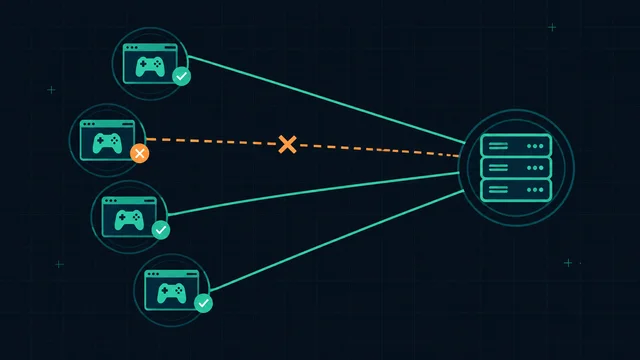
Packet loss in only one game: what that actually tells you
-
Does a VPN lower your ping? Usually not — and here is when it can
-
How to lower ping on Wi-Fi: the settings that matter and the ones that do not

Start with the free fix
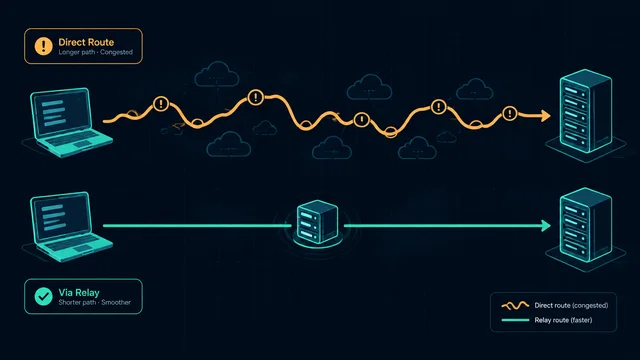
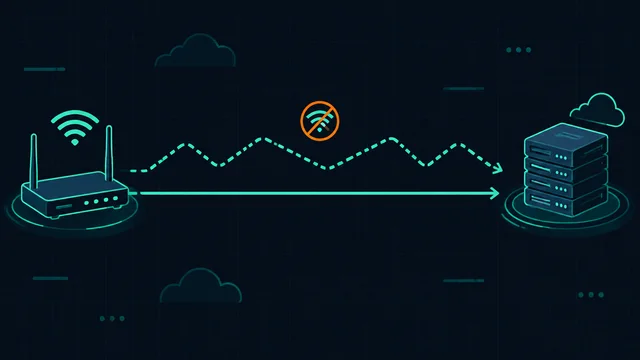
Most high-ping complaints turn out to be local: a wireless link that drops frames, an uplink saturated by a backup, or a router with no queue management. Those are free to fix, and no subscription changes them.