Fix guide
High ping in games but a fast speed test: why the two numbers disagree
This is the most common confusion in gaming-network threads: the speed test says 900 Mbps and 12 ms, the game says 140 ms and rubber-bands. Both numbers can be true, because they are measuring different journeys.
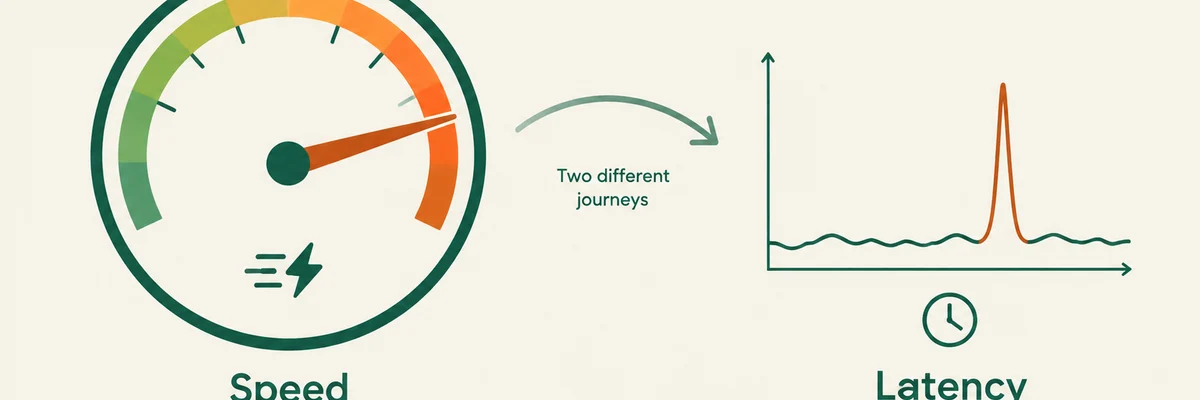
A speed test measures one hop, a game measures the whole path
A speed test usually talks to a server your provider placed nearby. It answers one question: how fast and how steadily can this machine talk to that specific nearby machine? It says nothing about the route from your provider, across other networks, to the region where the game runs.
Your game traffic takes a different path to a different place. It crosses networks your provider does not own, at a moment when those networks may be congested. That is where the difference between a beautiful speed test and a bad match comes from.
Not sure where your problem is? Run the free test first — it takes about 45 seconds and tells you which of the fixes on this page actually apply to you.
Run the connection checkWhat each number can and cannot tell you
- Bandwidth (Mbps) is how much data per second fits through your line. Games need very little of it — a few hundred kilobits per second is normal.
- Latency (ms) is how long a packet takes for the whole trip. This is what a game feels like.
- Jitter and loss are whether that trip is consistent. A stable 80 ms connection feels better than an unstable 30 ms one.
- A nearby speed-test server cannot see any of the middle of the path, so it cannot diagnose a route problem.
What to do with that insight
Stop optimising bandwidth and start measuring stability and route. Run a connection test that samples repeatedly and reports percentiles instead of one flattering average, ideally while the connection is busy. Then check the game region you are actually playing on: in most cases of "fast internet, bad ping", either your wireless link is dropping frames or matchmaking put you on a distant server.
When it is not you
If your connection is stable under load, your Wi-Fi is out of the picture and the region is the closest one available, the remaining explanation is the game itself: server load, matchmaking or netcode. No subscription fixes that, and anyone promising to is guessing.