Fix guide
Ping spikes only in the evening: what is actually happening on your line
If the game is smooth at 10 a.m. and unplayable at 9 p.m., you are looking at congestion — and there are three different kinds, which need three different responses.
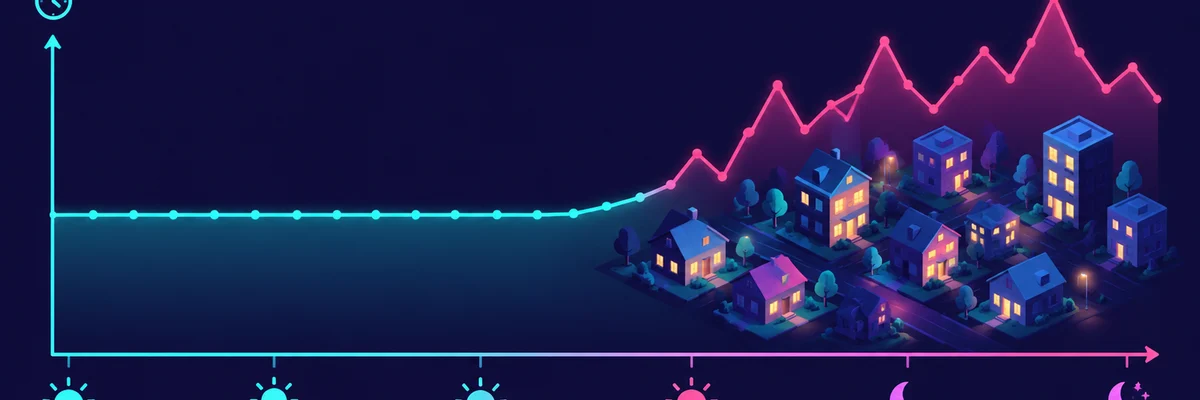
First: is it your home or the street?
Nothing else in the house downloading means it may be your neighbours and your provider. Something else downloading means it is you. In most homes it is you: one 4K stream, one cloud backup or one game update is enough to fill the uplink and create exactly this pattern.
Test with everything else unplugged from the network — phones on mobile data, no streams, no backups — and repeat the test in the evening. If the spike survives, the problem is outside your walls.
Not sure where your problem is? Run the free test first — it takes about 45 seconds and tells you which of the fixes on this page actually apply to you.
Run the connection checkSecond: bufferbloat, the usual culprit
Home routers queue packets when the line is busy, and queues add delay. The fix is queue management: SQM or QoS with a bandwidth limit set slightly below your real line speed. This is the single highest-value change for evening lag, it is free, and it is the one thing almost nobody has enabled.
Third: the route, which is not yours to fix
If your own link is idle, your router manages queues, and the evening spike persists, the congestion is in the network path. Document it: same test at three times of day, same server region, with dates. That evidence is what an ISP needs, and it is also what tells you whether a paid route change is worth testing.
What not to do
Do not buy a latency subscription before you have ruled out your own uplink and enabled queue management. A tool that changes your route cannot fix a queue inside your own router, and evening spikes are usually exactly that.