Fix guide
Roblox high ping: how to find the server you are actually on
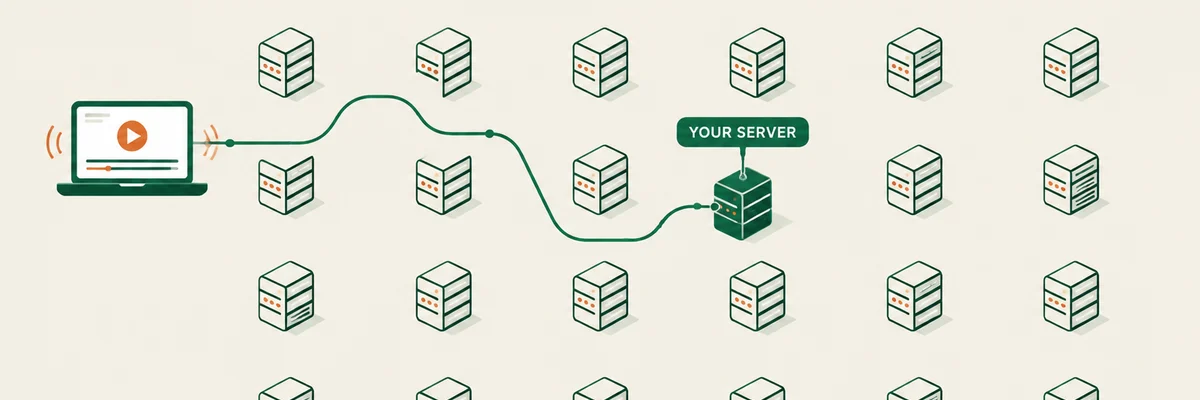
Roblox is not one big server — it is thousands of small ones spread across regions, and you are placed on one when you join. That single fact explains most "why is my ping high in Roblox" moments, and it also tells you which fixes can work.
Find out where you landed
Turn on the in-game performance stats (the client has a stats overlay you can toggle from the settings or with the usual keyboard shortcut) and watch the ping value for a minute. Note whether it is steady, and whether it changes when you rejoin the same experience.
If rejoining gives you a very different number, you were on different servers: that is server placement, not your connection. If the number stays high on every server you join, the problem is between you and Roblox as a whole — which is where the local checks come in.
Not sure where your problem is? Run the free test first — it takes about 45 seconds and tells you which of the fixes on this page actually apply to you.
Run the connection checkThe local half, which is most of it
- Roblox is unusually sensitive to Wi-Fi retransmission because it constantly streams small updates. A cable is the single biggest improvement for most players.
- On Wi-Fi, use 5 GHz and stay within sight of the router.
- Pause background uploads — cloud backup and another device streaming will show up as lag in Roblox before anything else.
- Enable SQM/QoS on the router if it supports it, and set the bandwidth to the rate you actually measure.
- On a laptop, disable aggressive power saving while playing: it throttles the network stack.
What you cannot change
You cannot choose a Roblox region the way you choose a data centre in Apex. Some experiences do let you pick a server through their own UI, and joining a friend pulls you to their server — that is the only real lever. Free private servers or region-specific communities can also help, but the ping difference comes from geography and from Roblox's server allocation, not from anything you install.
When a paid tool is not the answer
If your ping is steady but high, and every server you join sits at a similar number, you are looking at distance plus Roblox placing you outside your region. A latency subscription cannot move a server closer. Spend the money on a cable and a router with queue management first — that is where the measurable gains are.