Fix guide
CS2 high ping and packet loss: the settings that actually matter
CS2 is one of the few competitive shooters that lets you cap the ping you are willing to accept in matchmaking, and to see loss and jitter live. That combination makes diagnosis much less guessy than in most games.
Set a ping limit, then watch what it does
In the game settings there is a maximum acceptable matchmaking ping. Set it low enough to matter (many players use something in the 40–70 ms range depending on their region) and you will quickly learn your floor: if matchmaking keeps failing to find games, your real ping to the closest servers is above that limit. That single experiment separates "my setup" from "my region" better than any third-party test.
Not sure where your problem is? Run the free test first — it takes about 45 seconds and tells you which of the fixes on this page actually apply to you.
Run the connection checkTurn on the telemetry overlay
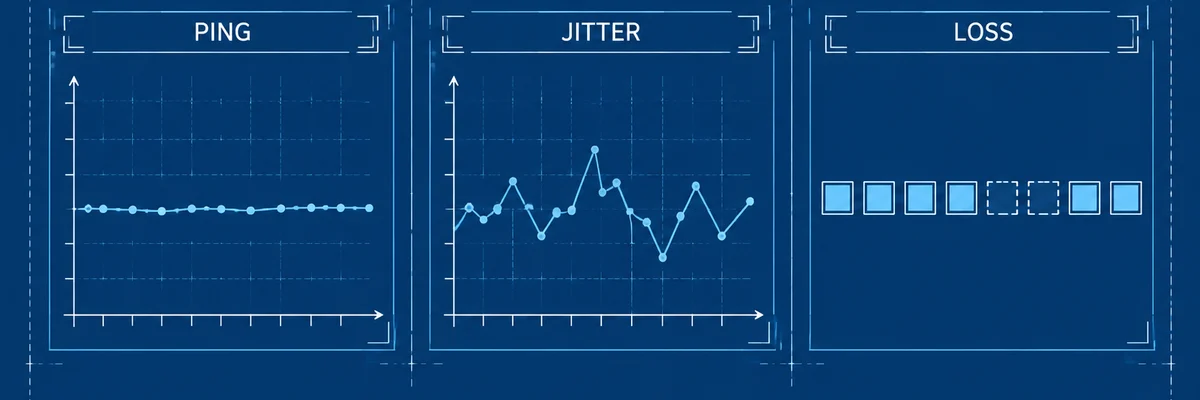
CS2 ships a network telemetry overlay that shows ping, jitter and packet loss while you play. Watch it during a full match: occasional loss blips are normal on the internet, sustained loss or a jitter figure that moves constantly is not.
If loss appears in every match and every region, it is your link or your local network. If it appears only on one server region and at certain hours, it is the path to that region.
The local checklist, in order
- Wired connection. CS2 punishes Wi-Fi retransmission harder than most games.
- No background uploads, and QoS on the router set to your measured speeds.
- Check for double NAT: it is a classic source of loss that the game cannot show you.
- Disable any VPN or "booster" once, deliberately, and compare. You should know which side of the line you are on.
- Test on a different server region (community servers are free) to see whether the loss follows you.
When route optimisation is worth testing
If your own network is clean, telemetry is stable, and one specific region is consistently worse than a more distant one, the problem is peering on that path. That is the narrow case where a route optimiser can do something measurable — and the only way to know is a trial with numbers written down before and after.